Guide 4 of 8 · Writers · 5 steps
The continuity check cites the rule
Before you shoot, the check reads a script against the approved bible and the cast. Each note quotes the passage and the rule it relies on, and it never rewrites a word.
- At the end
- A script read against the direction, its notes in the margin, each one tied to a rule you approved.
- Before you start
- A production with a script (guide 3), in a channel whose direction you approved (guide 2).
- A writers’ model connected in Connect: the check is an agent run, its price on the button.
Open the script to check
In the writers’ room, open the production, here “The last lit window”, whose version 1 is approved. The check reads the latest version of the script.
 (Open the full picture)
Run the check
On the writer’s desk, press Check continuity. The button carries the most the run can cost, and its hover title says what leaves your Mac. While the check reads, a running clock shows beside Stop.
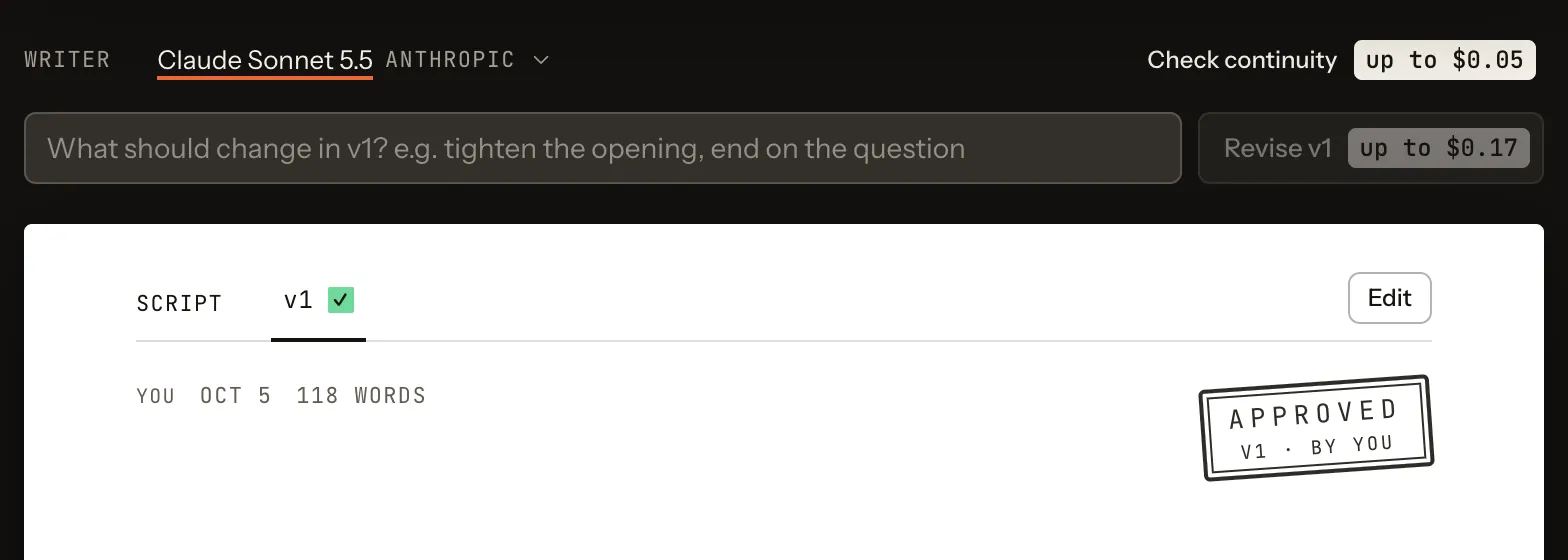 (Open the full picture)
Read the notes in the margin
The answer opens on the script itself. At the top: the check’s byline, what it cost, a one-sentence verdict and the count of notes by severity.
Each note is pinned to the passage it quotes, marked and numbered, and sits in the right margin: its severity, the rule or cast fact it relies on, then a suggestion. A long note opens with Read the whole note. A note the check could not place on a passage is listed under the verdict.
The notes below are written for this guide, to show the shape of an answer on the sample channel; on your desk they come from the check.
Try it hereIllustration
Open a note to see the passage and the rule it cites, then clear the notes.
Continuity · v1Agent
Close to the direction; one line explains what the city should show.
0 high1 medium1 low
1. THE STREET GOES DARK — Clock Street, night
The lamps hum. Rivet walks under them, his key turning in his back. Above him, a window goes dark. Then another.
NARRATOR (V.O.)
This is the hour when the city forgets to keep a light on.1
2. THE WINDOW — a courtyard, later
Rivet sits on the cobbles and watches until the light goes out.2
Behaves like the desk’s control. This page saves nothing and sends nothing.
Act on a note
The check proposes; you decide what changes. Revise with the writer: type the change on the writer’s line, here “cut the narrator, let a window going dark say it”, and press Revise v1. Or Edit the script yourself. Or change the bible, if the note shows a rule is wrong. Each makes a new version, which you keep and approve as in guide 3.
Clear the notes
Clear notes takes the notes off the page. They were one reading of one version: check the next version again. While you look at another version, the link Continuity notes on v1 takes you back to the version they belong to.