Tutorials
Learn Kiju on a sample channel.
Eight short guides through the real desk, step by step, on Wind-Up City, a fictional channel. Each one ends with a decision, and the decision is yours.
Start here · Guide 1 · Channel
Open a channel: it is a folder
A channel open on your desk, and a folder on your Mac that you can read without Kiju.
Start the guide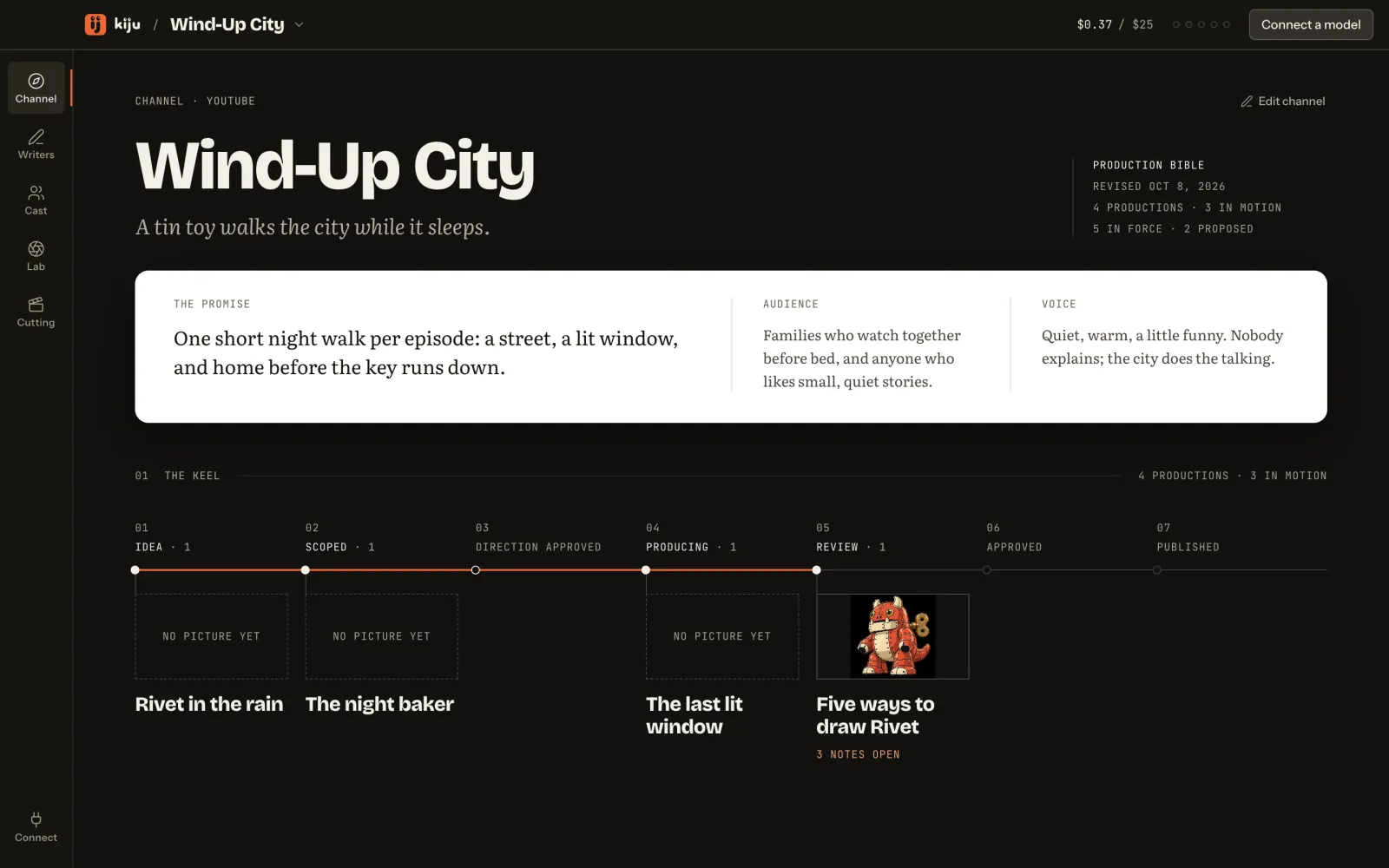
What you will do
- Start on the welcome screen
- Name the channel
- Pick where its folder lives
- Read the channel page
- Look inside the folder
- Come back to it later
The programme
In the order a channel is made: the folder and its direction, the script, the cast, the takes, the cut.
Channel
01 · 02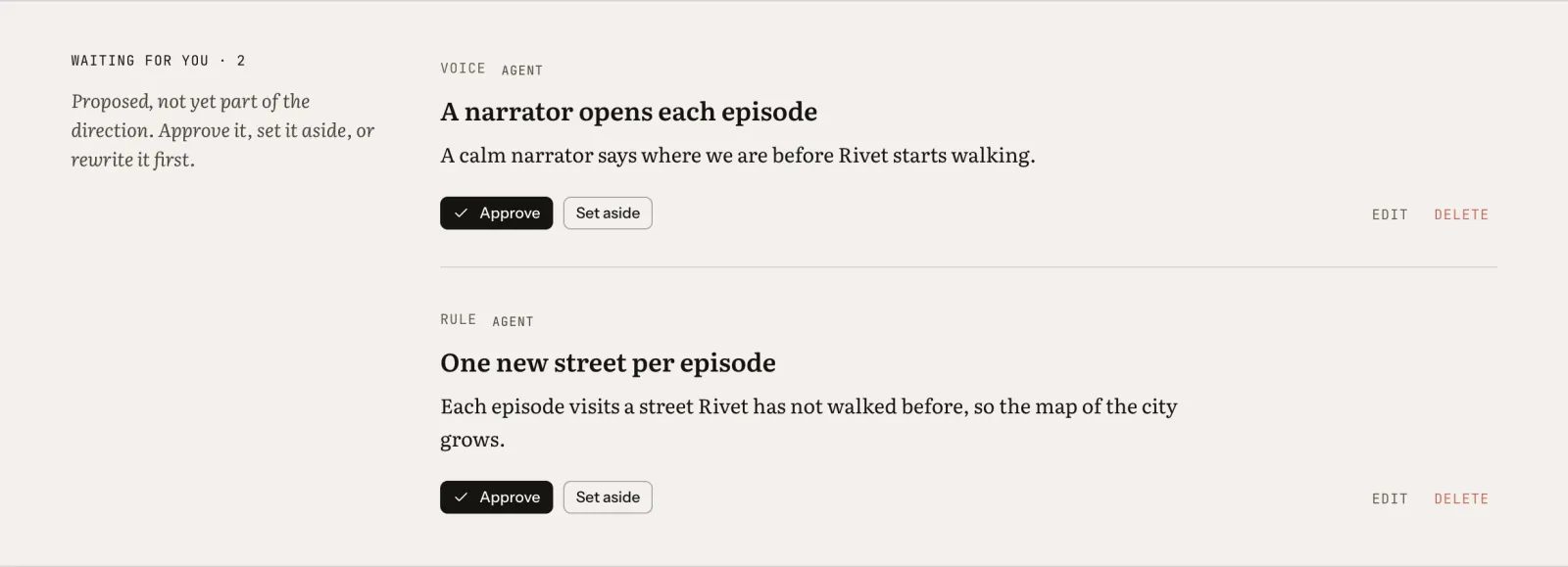
Writers
03 · 04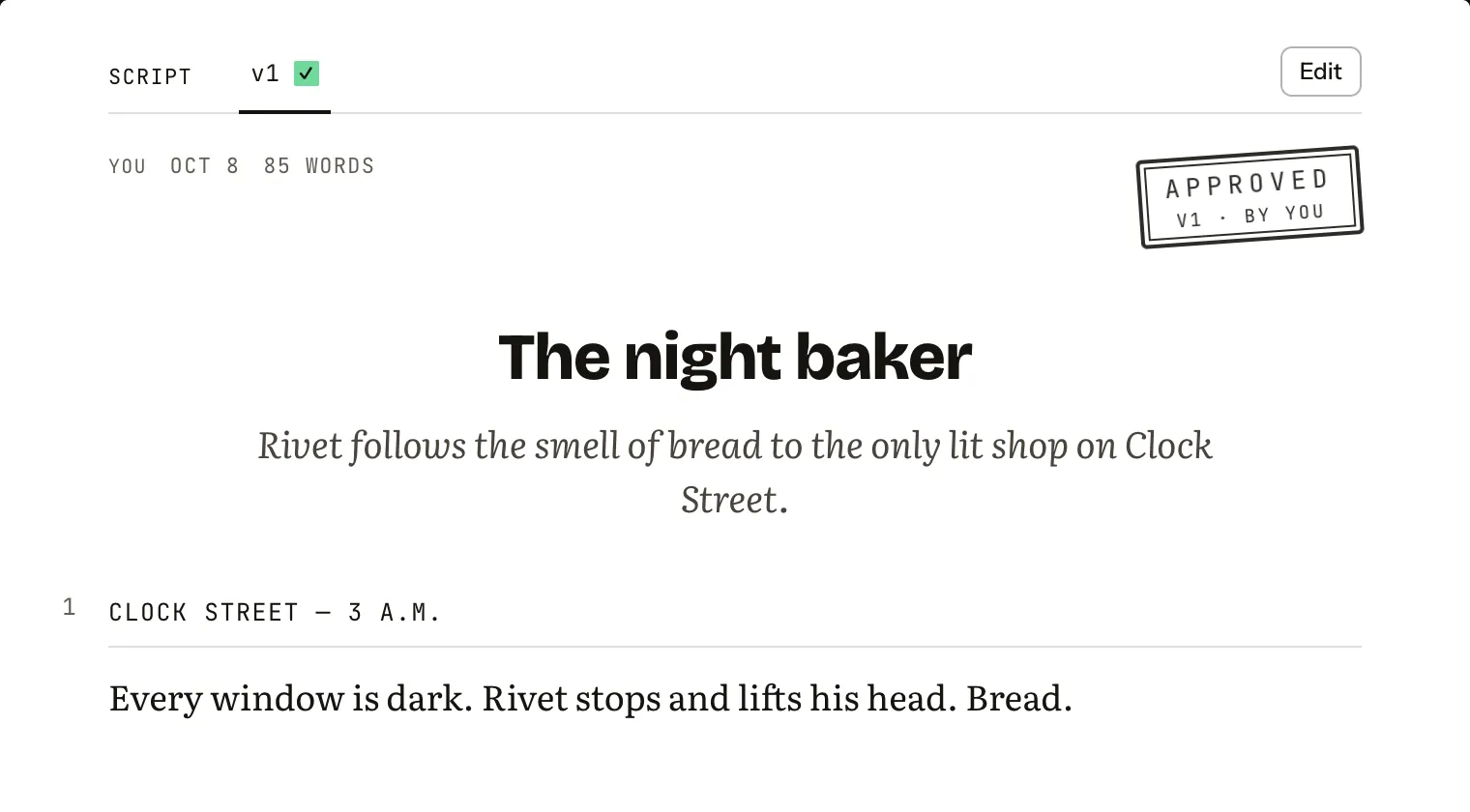
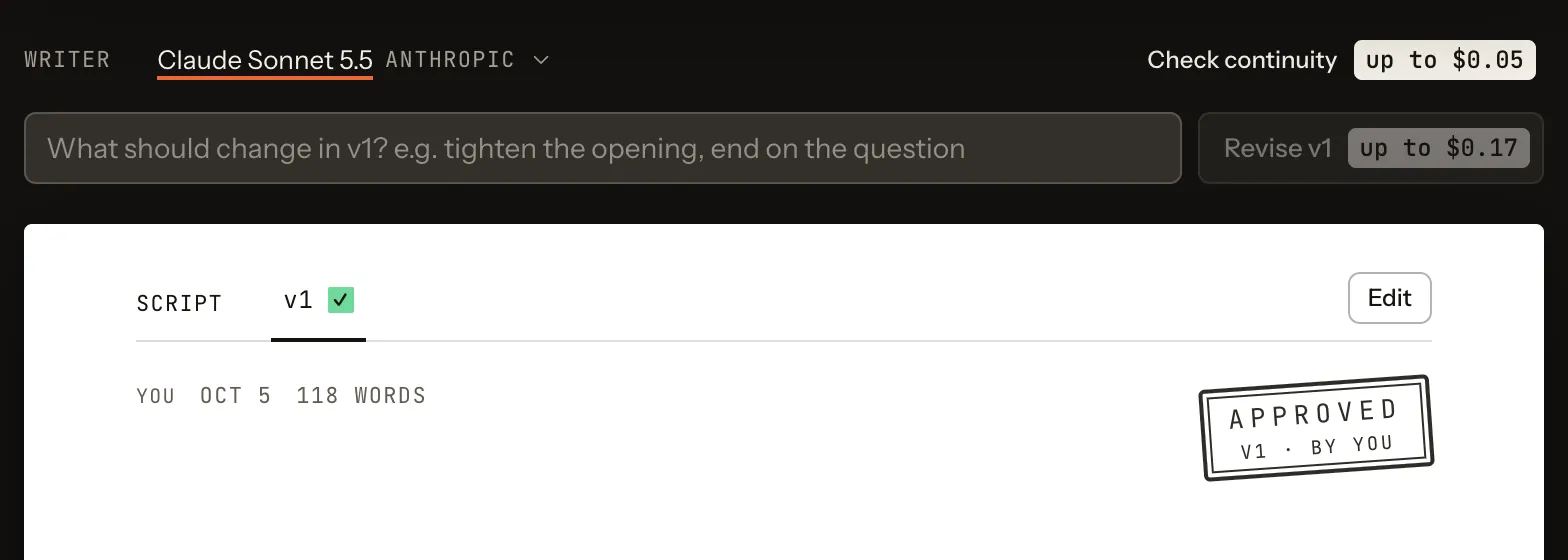
Cast
05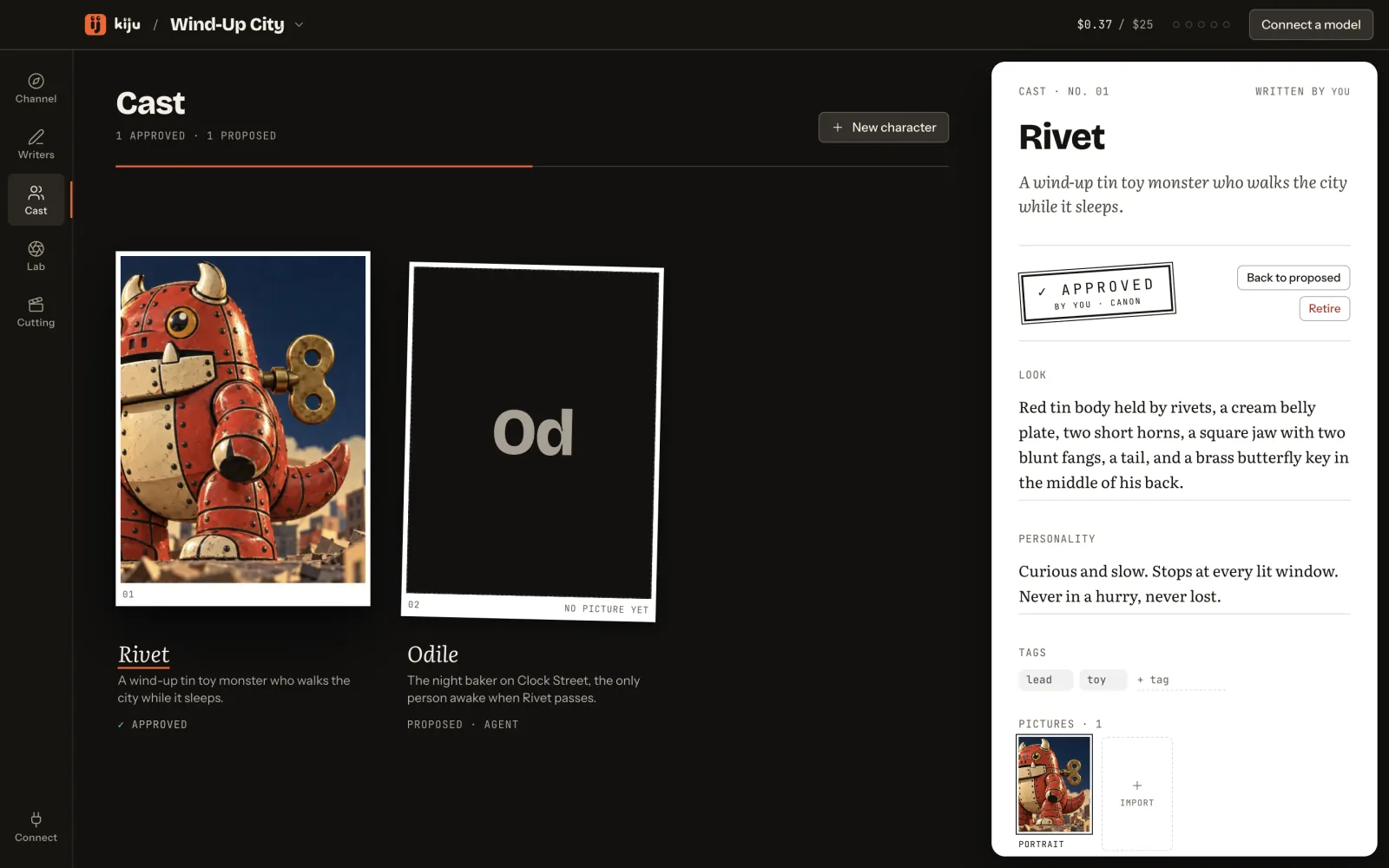
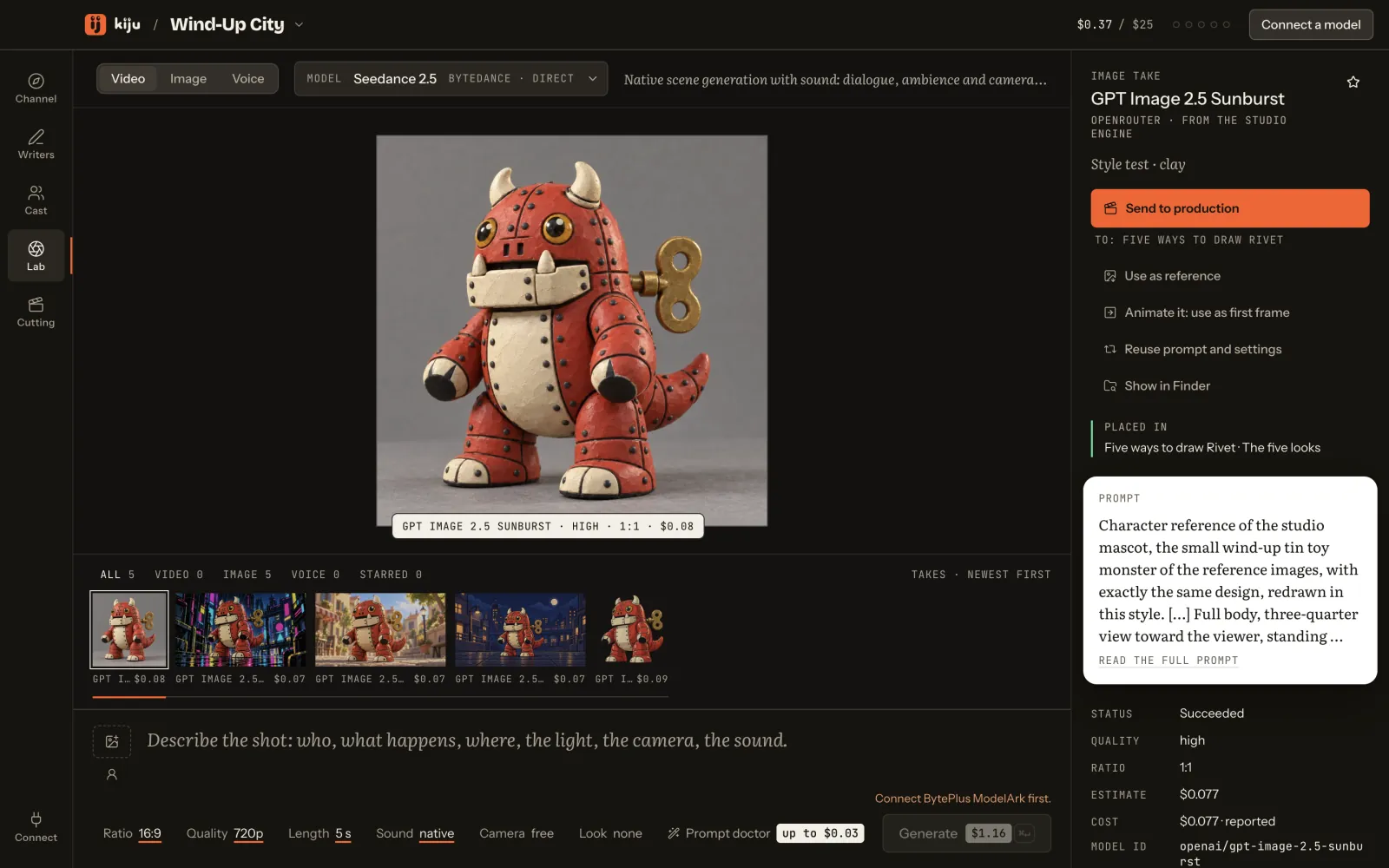
Lab
06 · 07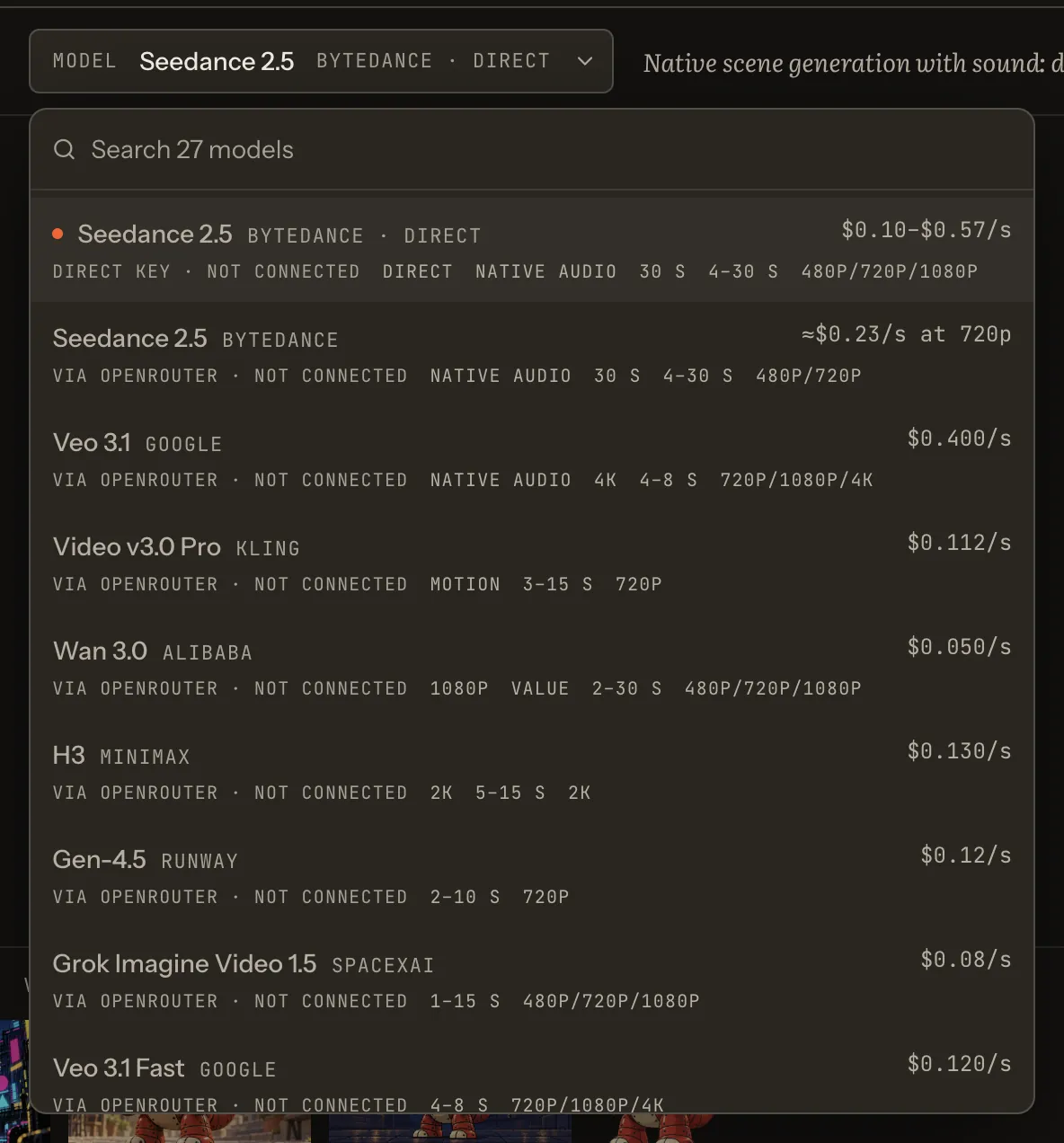
Cutting
08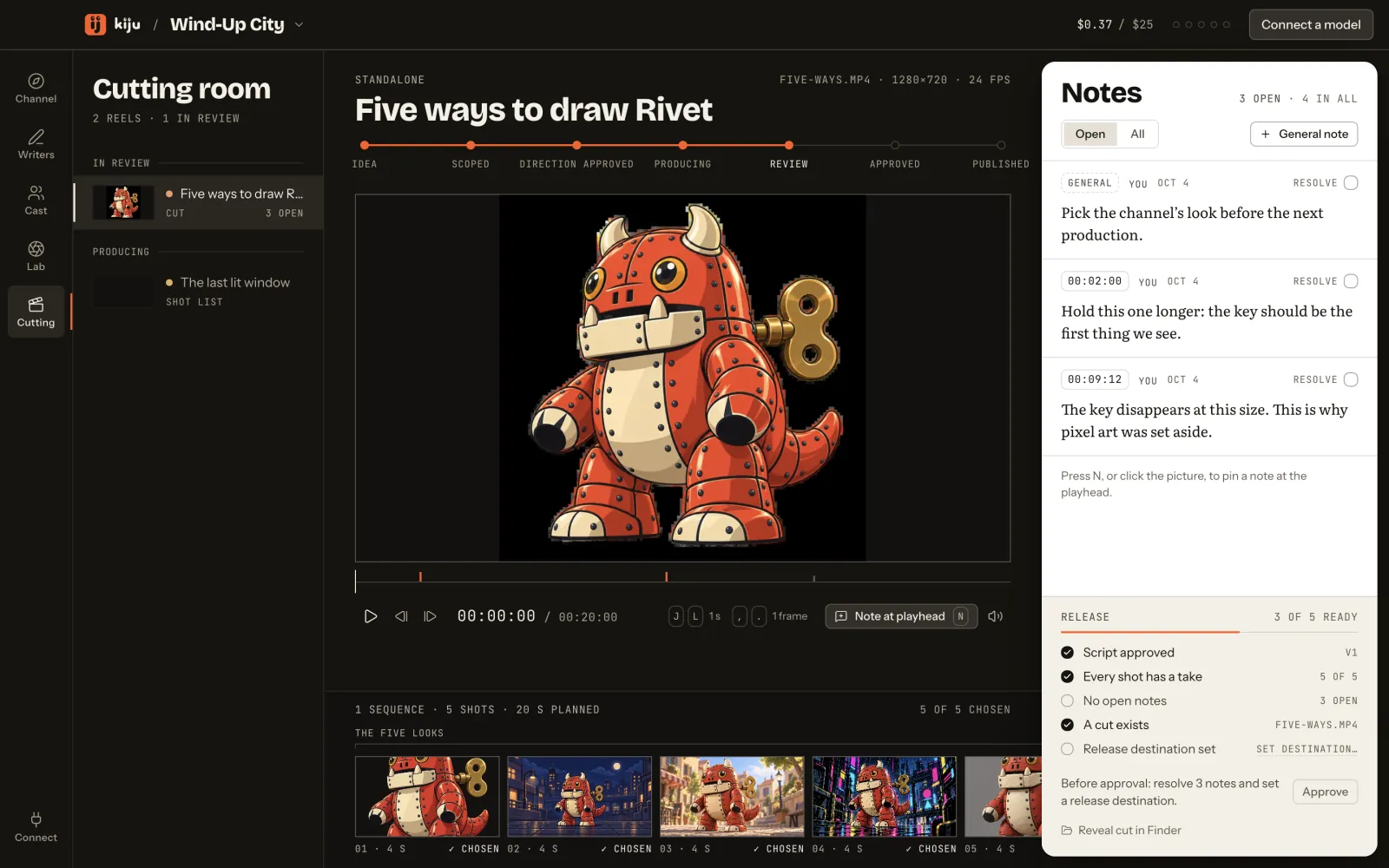
Every picture on these pages is a capture of the real desk (version 0.1.0) on Wind-Up City, a fictional sample channel, with no model connected. Nothing was spent to make them.
The desk is in private beta.
These guides show it as it is today, on macOS. Ask for a seat below.
Ask for a seatThe waitlist addresshello@kiju.app
Opens a draft in your mail app. Nothing leaves until you press Send.